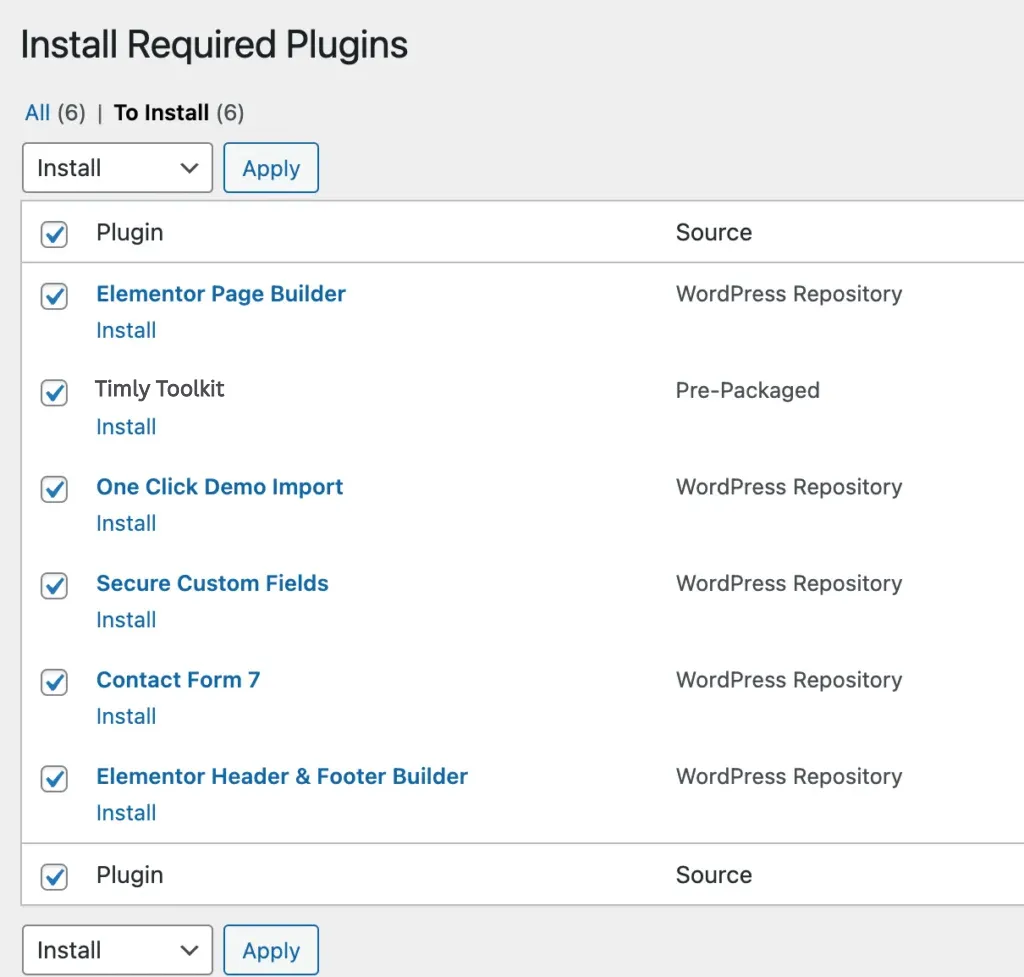
After that you need to install and activate the following pre-packaged plugins:
- Trimly Toolkit: Required and must install plugin.
- Elementor Page Builder: Required and must install plugin.
- Advanced Custom Fields: Required and must install plugin.
- One Click Demo Importer: Required if you want to import demo contents. You can deactivate it after demo is imported.
- Contact Form 7: Recommended plugin.
- Elementor Header & Footer Builder
N.B: All plugins must be installed and activated if you want your site to look exactly like demo.
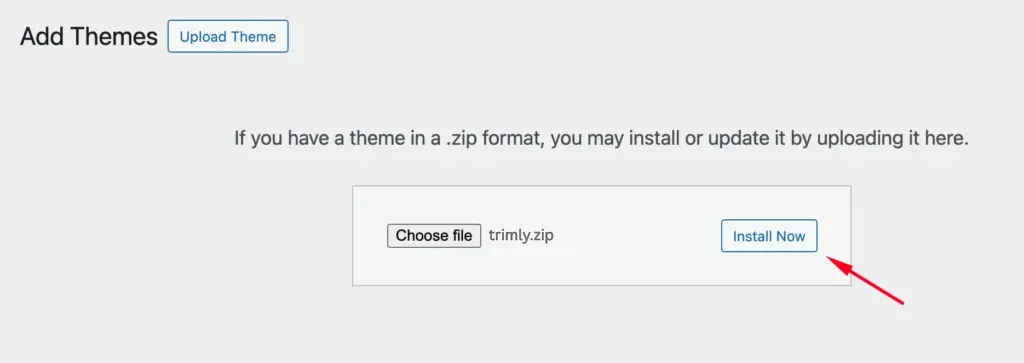
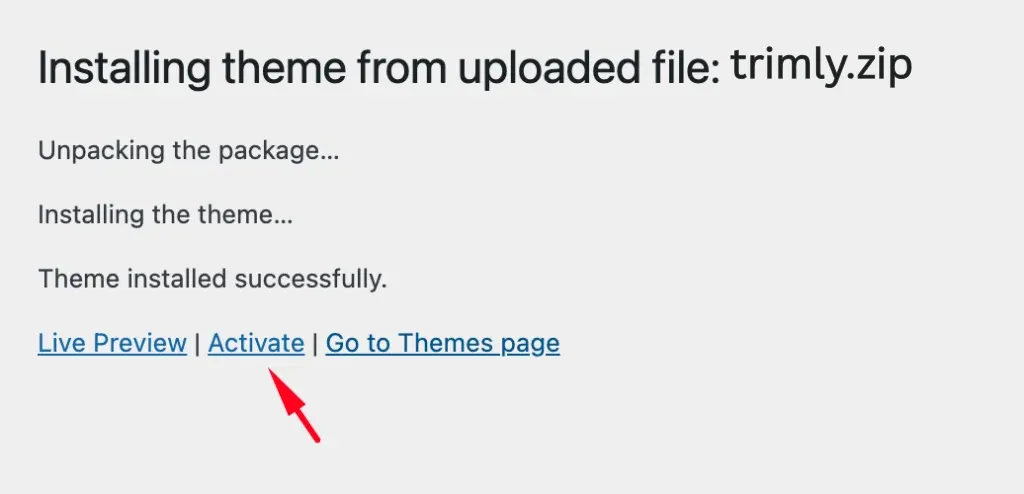
Follow the steps as instructed in the images below: